How to Manage Pre-Orders Without Losing Track
Learn how to manage pre-orders for product drops without spreadsheets. A structured approach for creators and brands using deposits and order tracking.
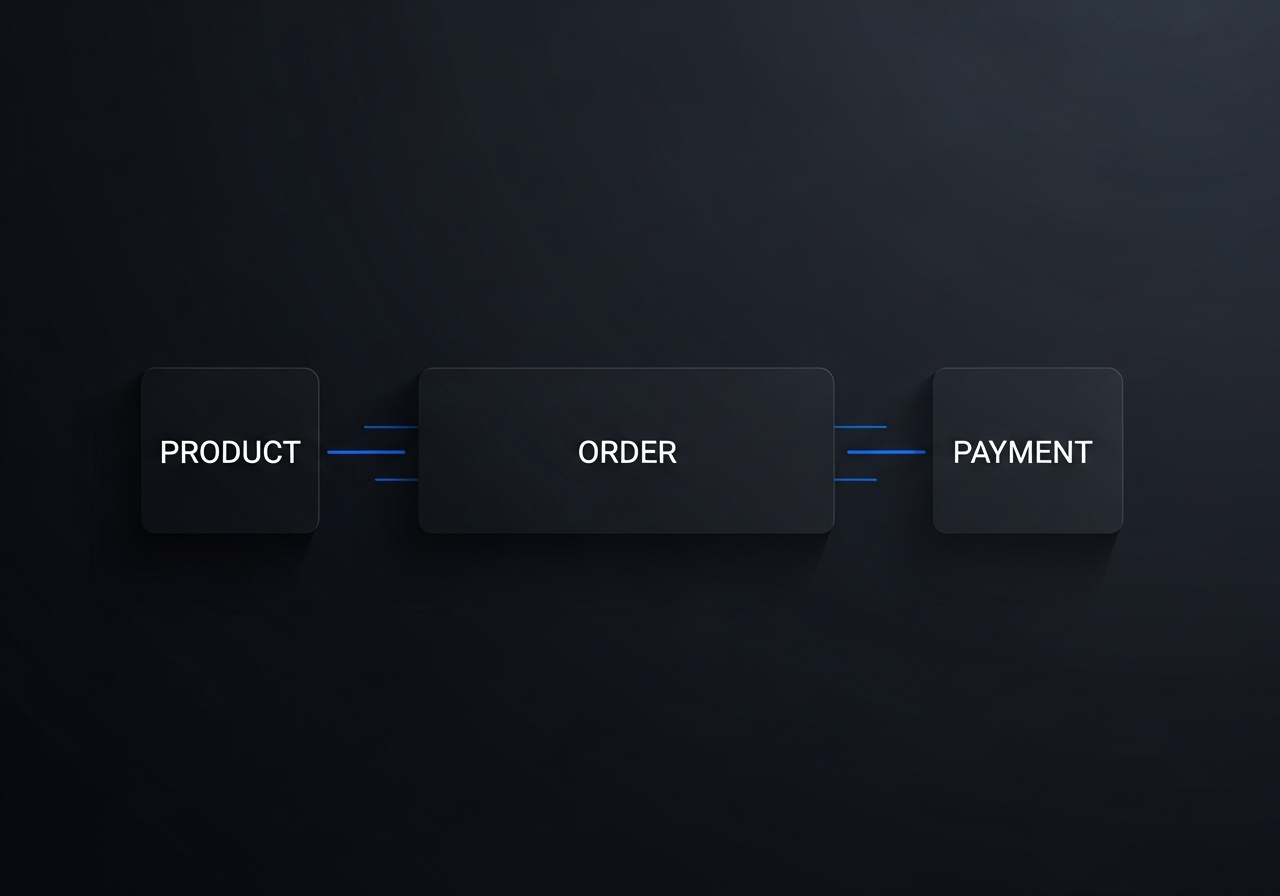
Quick answer
To manage pre-orders effectively, you need a system that links every order to a specific product drop, tracks deposits and remaining balances explicitly, and progresses order status automatically as payments come in. Spreadsheets can't do this reliably past ten orders. A dedicated tool like DropFlow handles the structure for you.
Why spreadsheets break down for pre-orders
Pre-orders seem simple at first. A customer wants something you haven't produced yet. You write their name down, note which variant they want, maybe collect a deposit. When it's one or two customers, a spreadsheet works fine.
The problem starts around order number ten. Pre-orders have layers that flat spreadsheets weren't built for: each customer picks specific variants (size, color), some pay a deposit upfront while others pay in full, and the fulfillment timeline stretches weeks or months. When you track all of this across separate tabs — orders in one, payments in another, inventory in a third — mistakes compound quietly.
You end up cross-referencing three sheets to answer a simple question: "Did this customer pay their deposit?" And the answer isn't always clear, because someone forgot to update a cell two weeks ago.
What a structured pre-order system looks like
A pre-order isn't just an order. It's a mini-project with a lifecycle. A good system should reflect that:
- A clear campaign structure. Each pre-order round (a "drop") has a beginning and an end. It moves through stages: preparation, actively taking orders, closed for new orders, and completed when everything is delivered.
- Products and variants linked to the campaign. Not just "T-shirt" but "T-shirt, size L, black, $45" — with quantity limits if you need them.
- Orders tied to customers with full context. Who ordered what, which variants, how many, and their contact information — all connected to the specific drop.
- Explicit payment tracking. Not "paid: yes/no" but: deposit required ($20), deposit received ($20), remaining balance ($25), total paid ($20). Every payment is a record with an amount, method, and type.
This structure doesn't just organize data — it removes ambiguity. You never have to wonder what state an order is in.
Example — Running a limited sneaker pre-order
Imagine you're a sneaker creator launching a limited run. You announce a 3-week pre-order on Instagram for a new design, available in 4 sizes. Within the first week, 40 orders come in through DMs.
With a spreadsheet, you'd create a row per order, columns for name, size, contact info, deposit amount, and payment status. By order 20, you're already scrolling. By order 35, you're not sure if the person in row 12 paid the rest or just the deposit. The sheet was last updated three days ago — by someone else on your team.
With a structured system, each of those 40 orders lives inside the sneaker drop. Each order is linked to the exact variant (size) the customer chose. Deposits are recorded as explicit payment entries — not a checkbox. When someone pays the remaining balance, the order status automatically updates from "deposit paid" to "paid." You can see, at any moment, how many orders are still awaiting full payment.
When you close the pre-order window, the drop status changes to "closed." No more orders can be added accidentally. You move into fulfillment: tracking which orders have been sent to the supplier, which have arrived, and which have been delivered.
How DropFlow handles pre-orders
DropFlow is built around exactly this workflow. You create a workspace for your brand, then create a drop for each pre-order round. Products and variants are defined with prices and optional quantity limits, then attached to the drop.
Orders are created inside the drop with full customer details and variant selections. Payments — deposits, final payments, or adjustments — are recorded individually, and the order status progresses automatically based on what's been paid.
There's no ambiguity about payment status. The remaining balance is always computed. The drop lifecycle is explicit: Draft, Active, Closed, Completed. And every order carries a clear fulfillment status through to delivery.
If you're managing multiple orders with deposits and partial payments, the system handles the math and the status transitions for you. You focus on the product. The tool handles the process.
Take control of your pre-orders
Pre-orders are a powerful way to validate demand and fund production before you ship. But they only work if you can track every order, every payment, and every fulfillment step without losing your mind.
If you've been relying on spreadsheets and it's starting to feel fragile, it might be time for a system that was designed for this exact problem.
Try DropFlow
A calm, structured way to manage your drops, pre-orders, and payments. Free to start.
Download on the App StoreFree to download. Get started in seconds.